> For the complete documentation index, see [llms.txt](https://vo-viet-hoang-seo.gitbook.io/docs/llms.txt). Markdown versions of documentation pages are available by appending `.md` to page URLs; this page is available as [Markdown](https://vo-viet-hoang-seo.gitbook.io/docs/digital-tool/online-word-counter-tool-comprehensive-guide.md).
# Online Word Counter Tool - Comprehensive Guide
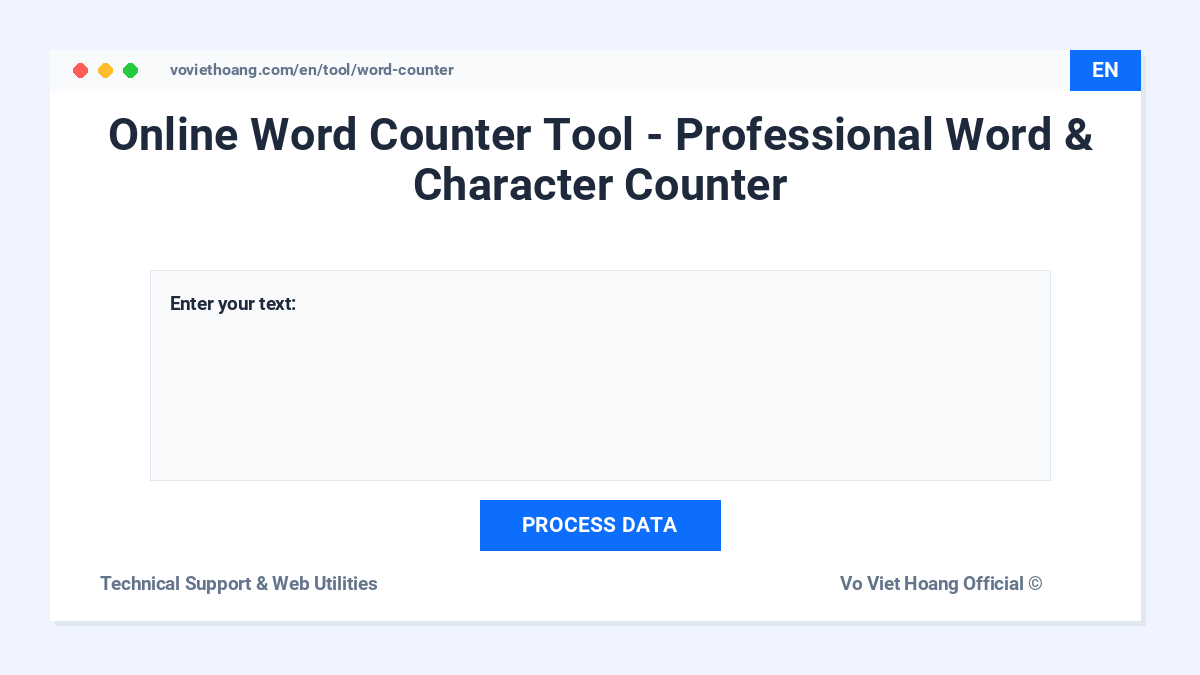
Welcome to the detailed documentation for the Online Word Counter Tool. This free, web-based application is designed to provide real-time text analysis, helping writers, SEO specialists, students, and editors optimize their content with precision.
***
### 1. Overview
In digital publishing, academic writing, and search engine optimization (SEO), maintaining specific length constraints is essential. The Online Word Counter Tool analyzes text locally in your browser, providing instant metric feedback and reading/speaking time estimates without storing or transmitting your content.
***
### 2. Core Metrics & Calculation Logic
The tool processes input text dynamically. Below is an explanation of how each metric is detected and calculated:
#### A. Word Count
* **Mechanism:** The tool scans the input string, identifies word boundaries, and counts sequences of characters separated by spaces or line breaks.
* **Use Case:** Crucial for meeting article length requirements, academic essay limits, and freelance writing targets.
#### B. Character Count
* **Character (with spaces):** Counts every single keystroke, including letters, numbers, punctuation, and spaces.
* **Character (without spaces):** Excludes standard spaces to provide the net volume of your written characters.
* **Use Case:** Critical for platforms with strict character limits, such as meta titles, meta descriptions, social media posts, and SMS marketing.
#### C. Sentence & Paragraph Detection
* **Sentences:** Detected using standard punctuation delimiters (periods `.`, exclamation marks `!`, and question marks `?`).
* **Paragraphs:** Identified by detecting line breaks or carriage returns (`Enter` keystrokes) that separate text blocks.
* **Lines:** Counts the total number of physical line breaks in the editor.
***
### 3. Reading & Speaking Time Estimation
Understanding how long it takes to consume your content is vital for speechwriters, presentation builders, and bloggers. The tool estimates these metrics using industry-standard averages:
| Metric | Average Speed | Purpose |
| ----------------- | ---------------------------------- | ------------------------------------------------------------------------------------------- |
| **Reading Time** | \~200 - 250 words per minute (WPM) | Helps estimate how long a typical web visitor will spend reading your blog post or article. |
| **Speaking Time** | \~130 - 150 words per minute (WPM) | Ideal for speechwriting, presentation preparation, podcast scripts, and video voiceovers. |
*Note: Actual reading and speaking speeds may vary depending on the complexity of the vocabulary and individual pacing.*
***
### 4. Privacy & Data Security
We prioritize your data security and privacy:
* **Local Processing:** All text analysis is performed entirely on your local device within the browser.
* **No Data Transmission:** The text you paste or type is never uploaded, saved, or shared with external servers.
* **Safe for Sensitive Information:** Because processing occurs client-side, you can safely use the tool to review confidential drafts, emails, or reports.
***
### 5. SEO Best Practices & Content Optimization
You can use the tool to optimize content according to standard SEO benchmarks:
1. **Title Tags (SEO):** Keep titles between 50 to 60 characters to prevent truncation in search engine results.
2. **Meta Descriptions:** Aim for 150 to 160 characters to ensure the full snippet is visible to search users.
3. **Blog Posts:** Standard articles generally range from 1,000 to 2,000 words to provide comprehensive value and improve ranking opportunities.
***
### 6. Access and Usage
The Online Word Counter Tool is free to use and accessible on desktop, tablet, and mobile devices:
👉 [**Start Counting: Online Word Counter Tool**](https://voviethoang.com/en/tool/word-counter)
---
# Agent Instructions
This documentation is published with GitBook. GitBook is the documentation platform designed so that both humans and AI agents can read, navigate, and reason over technical content effectively. Learn more at gitbook.com.
## Querying This Documentation
If you need additional information that is not directly available in this page, you can query the documentation dynamically by asking a question.
Perform an HTTP GET request on the current page URL with the `ask` query parameter, and the optional `goal` query parameter:
```
GET https://vo-viet-hoang-seo.gitbook.io/docs/digital-tool/online-word-counter-tool-comprehensive-guide.md?ask=&goal=
```
`ask` is the immediate question: it should be specific, self-contained, and written in natural language.
`goal` is optional and describes the broader end goal you are ultimately trying to accomplish on behalf of the user. GitBook uses it to tailor the answer towards what is most useful for that goal.
The response will contain a direct answer to the question and relevant excerpts and sources from the documentation.
Use this mechanism when the answer is not explicitly present in the current page, you need clarification or additional context, or you want to retrieve related documentation sections.